


Automation & AI Packages
Enhance daily workflows and increase efficiency with automations designed to yield major value with minimal setup.

Discover Our Targeted AI & Automation Packages
Benefit from core automations that have huge impacts on your operations, customers, and employees. These solutions are easy to set up, use, and maintain.
AUTOMATION
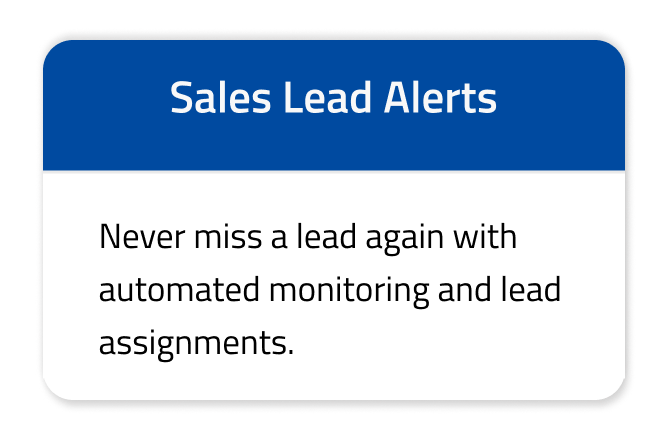
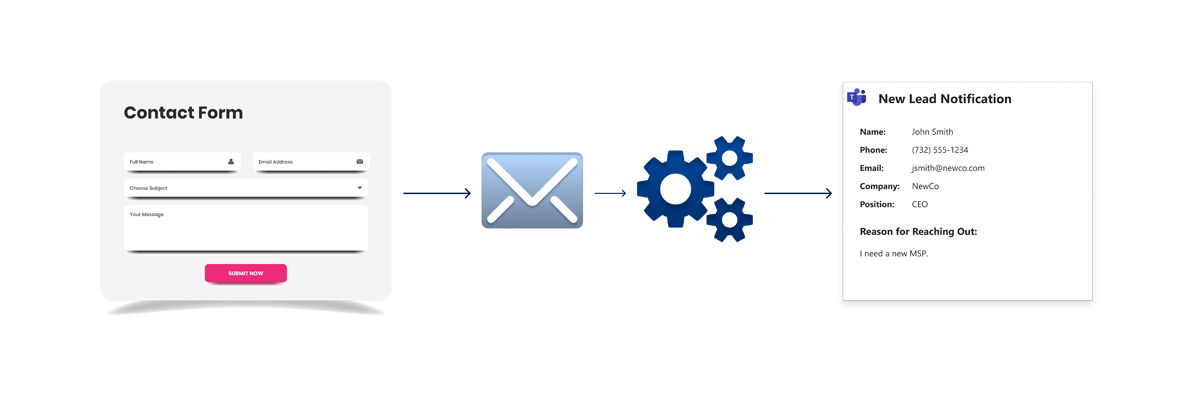
Sales Lead Alerts
- Real-time lead integration from multiple sources
- Auto-assignments based on conditional logic
- Faster response time to prospects and increased team accountability
Did you know? 78% of prospects choose to work with the company who replies to them first.
AUTOMATION
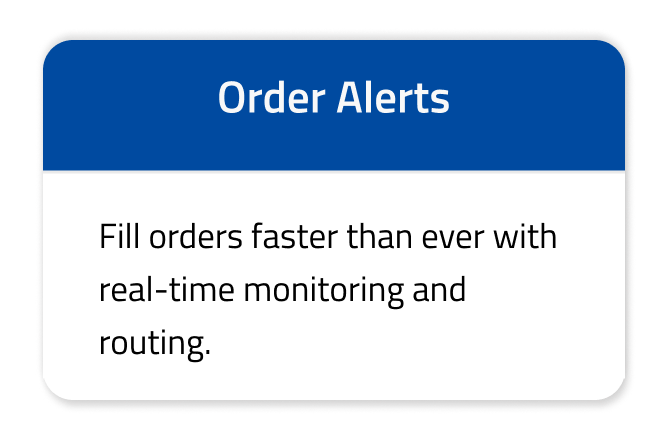
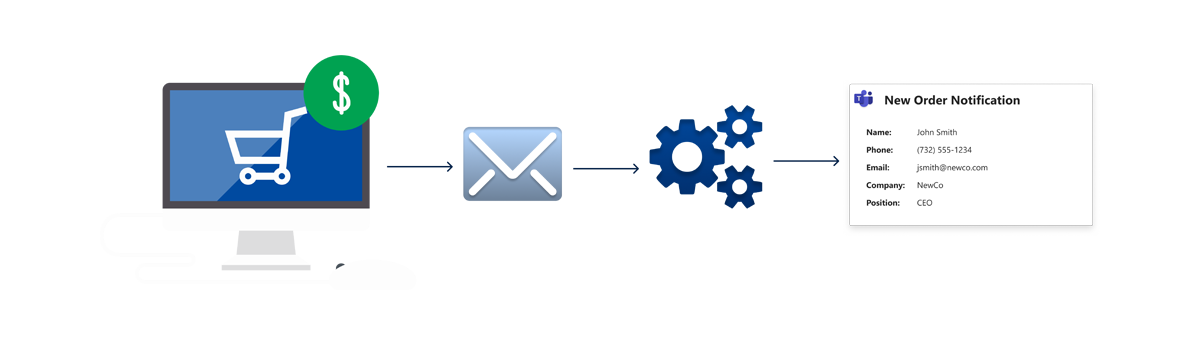
Sales Lead Alerts
- Accurate order routing based on conditional logic
- Faster payment processing and order fulfillment
- Increased order accuracy, reliability, and efficiency
Did you know? 61% of customers will switch to a competing brand after just one poor customer experience.
AUTOMATION
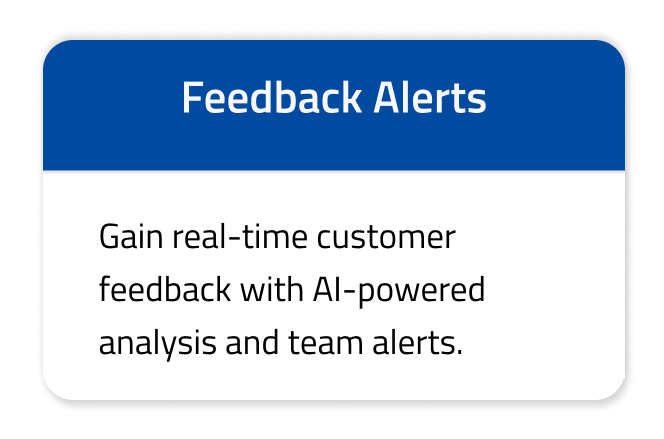
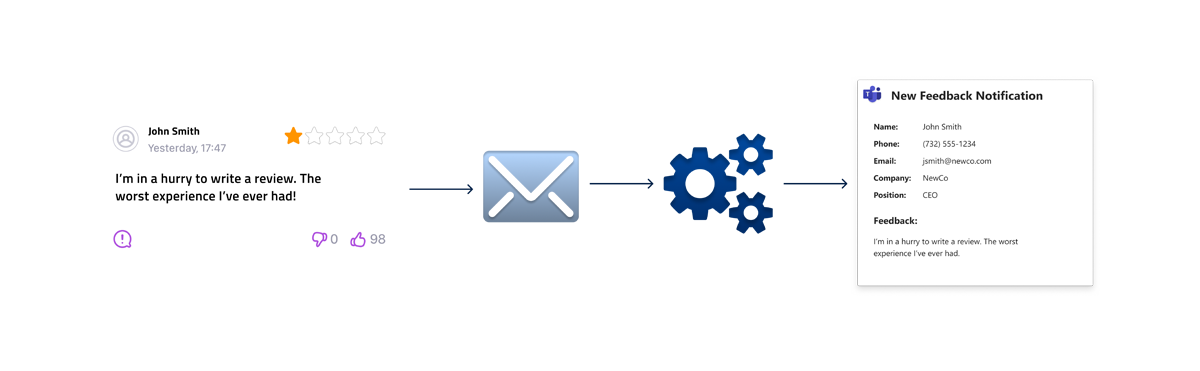
Feedback Alerts
- Instant knowledge of customer sentiment
- Immediate handling of negative reviews before they lead to reputation damage
- Increased client satisfaction and transparency
Did you know? 64% of customers would rather purchase from a company that replies to reviews over one that seems perfect.
AI COWORKER
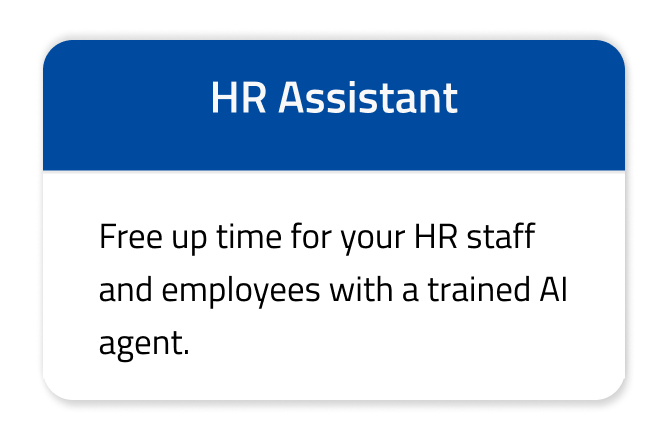
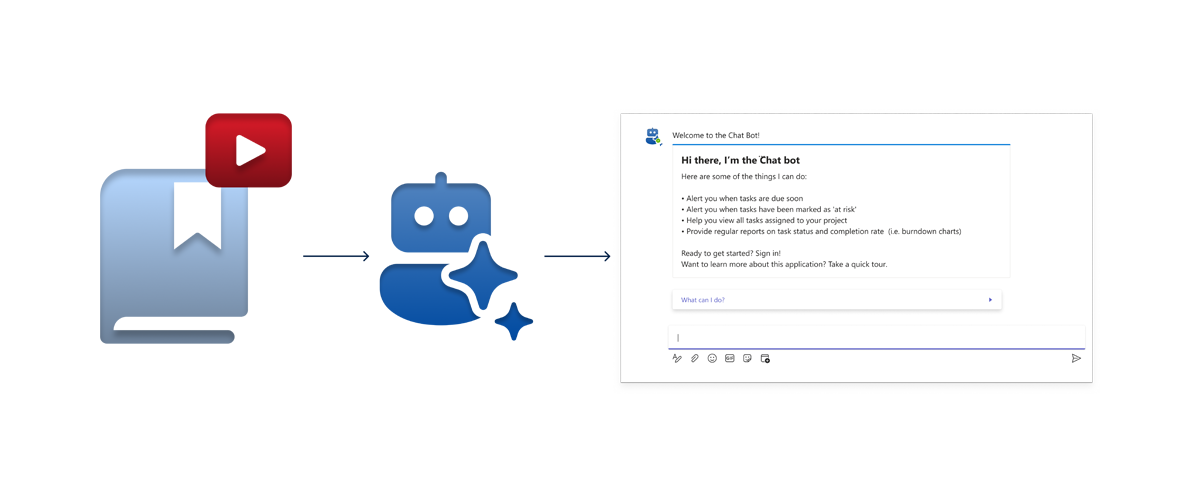
HR Assistant
- Creation of an AI chatbot trained on company policies and handbooks
- 24/7 support for all employee questions
- Saved time for HR staff and increased empowerment for employees
Did you know? 83% of HR leaders reported that missing HR tools and tech challenged their success.
99.7%
25+
2000+
100+
Benefits of Software Automation
More Time for Strategic Work
Greater Efficiency
Lower Costs
Reduced Error
Smart Automations and Integrations
Automating Workflows & Connecting Systems
One-Time Service Definitions — Automation Actions:
See examples of actions
2 more examples
One-Time Service Definitions — Automation Actions:
See examples of actions
2 more examples
One-Time Service Definitions — Automation Actions:
See examples of actions
2 more examples
One-Time Service Definitions — Automation Actions:
See examples of actions

Key Automation Statistics

of companies use automation as part of their daily workflows

the amount of time saved by sales teams each day after using automation tools

of workers are more satisfied with their jobs after using automation to simplify workflows
Why Choose Miles IT For Software Automation Services?
Our cumulative experience, proven processes, high standards, & winning track record ensure your company reaches its full potential.

Full Team of Experts
Benefit from the in-depth expertise & winning processes of our full-time teams. We never use freelancers or subcontractors.

99.7% Project Success Rate
Cross the finish line and keep going. Our reliable solutions increase productivity and set your business up for success.

High Volume of Repeat Clients
Our customers succeed with us and keep coming back. Over 85% of our annual work is with long-term clients.

Our Solutions Fuel Our Own Success
We run our company on the same solutions we recommend and provide—and experience incredible results.
Advanced AI & Automation Solutions
Looking for a comprehensive solution? Explore our additional software capabilities and see how we can help you accomplish your goals.

Custom AI Software Development
Enhance business processes & improve scalability by developing custom AI software and integrating existing AI solutions into your environment.

Advanced Automation Solutions
Tap into the power of AI, robotic process automation, and other innovative solutions to reduce manual efforts and costs at a larger scale.
HELPING PEOPLE ACCOMPLISH MORE
Our Raving Fans
We are not satisfied if you are just satisfied. We want you to be a Raving Fan as a result of providing the absolute best service!


GM R
ParkNSave has worked closely with Miles IT for over a decade. Miles built the ParkNSave system in 2014 and continues to support the platform with a dedicated team. Each Miles Support/Development team member has outstanding diagnostic skills and customer service expertise. We are raving fans of Miles IT!
Kevin McCarthy
Outstanding experience! Very professional and thorough and I couldn’t be more impressed with Miles and their recommendations! John Horner is a rockstar. Look forward to continuing to work with miles tech on future projects!
Cheyenne Alvis
an absolutely Fabulous company to deal with. The analysts are experts at their craft. Fast, concise, professional and extremely reliable. I consider them in high value and recommended regard. Thank you again to the entire team at Miles.



Ready to save time and drive growth with automated processes?
Frequently Asked Questions
What is software automation?
Software automation uses technology to streamline business processes, with the goal of reducing manual, repetitive efforts and improving overall efficiency. It involves implementing time-saving solutions that drive increased accuracy, productivity, and scalability.
What types of businesses can benefit most from these software automation packages?
Any business looking to improve daily workflows, increase efficiency, and address core problems can benefit most. These solutions are designed to add value across various aspects of company operations while requiring minimal setup.
Can these automation packages integrate with our existing software and systems?
Yes! These automation packages include integrations between the appropriate materials and channels to ensure real-time information access and updates.
Can these solutions scale with my business as it grows?
Absolutely! These solutions are designed to give your business the flexibility to grow and expand instead of relying on hours of manual work and repetitive tasks.
If the automation needs to change based on updates to your core business processes, we’re happy to work with you to make sure it still meets your needs.
I want to automate other areas of my business, too. Where should I start?
Most businesses have dozens of opportunities to automate tasks or business processes. We recommend identifying repetitive tasks or work that involves many people doing the same activity. Tasks and processes that involve data entry, data review, email monitoring, assignments, generation of transactions, or approval processes are good places to look for potential automation.
We can help create other automations in addition to the ones listed on this page; read about our additional software automation capabilities.